

Mobile App Development
Build iOS, Android, and Progressive Web Apps connected to your backend and team workflows. Softlimes develops mobile apps for customer ordering, bookings, and field operations.
- iOS & Android Builds
- Low-Connectivity Field PWAs
- Shared Web & Mobile API
- App Store & Play Store Launch
A mobile app is only as reliable as the API and workflow behind it. We design and build both the mobile screens your users touch and the backend server that handles authentication, live data sync, and admin controls.
For field crews, drivers, and foremen working in areas with weak cell signal, we also build Progressive Web Apps (PWAs) such as Timber Ops, which tracks truck dispatches, load times, and mill loads right from a mobile browser.
Your mobile app and your web admin dashboard share a single backend database, so orders, dispatches, customer accounts, and status updates stay in sync without double entry.
We test every build on real iOS and Android devices and handle App Store and Google Play submission, signing, and post-launch updates.

What is included in Mobile App Development
We scope every engagement around concrete deliverables so your team knows what we will build, test, and hand over.
iOS and Android app development
Build cross-platform and native mobile apps with clean interfaces, push notifications, and secure login.
Field and operations mobile apps
Give drivers, foremen, and field staff mobile tools that log dispatches, photos, and status updates on the go.
Backend API and database build
Build the Laravel or Node.js REST APIs that power user accounts, payments, and live data sync.
App Store and Play Store launch
Handle build signing, store listing assets, review submission, and post-launch crash and analytics monitoring.
Offline caching and retry queues
Keep field workers productive in low-signal zones by caching forms locally and syncing when connection returns.
Web admin panel included
Provide your office managers with a browser dashboard to manage users, review field logs, and export reports.
Built with tools your team can maintain
iOS, Android, Offline-Ready PWAs & Shared Backend APIs
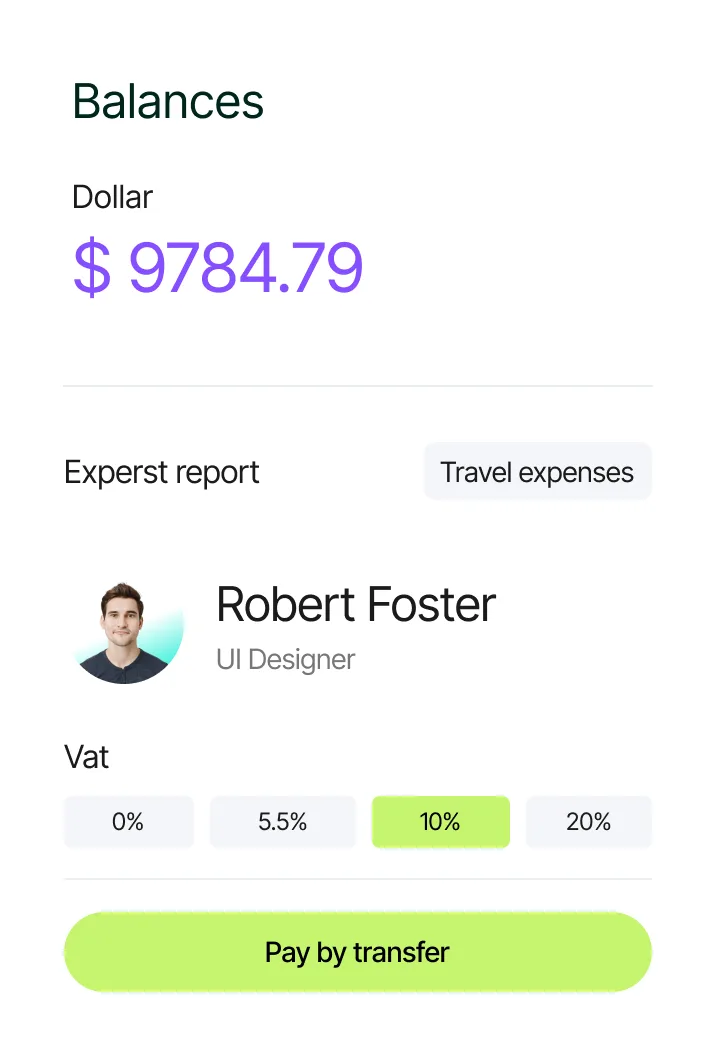
Recent work and tools for Mobile App Development
Timber Ops: Mobile-First Fleet & Mill Tracker
Mobile-ready application built for foremen and truck drivers to log dispatches, trip durations, and mill loads in low-connectivity areas.
How we design, build, test, and publish your mobile app
We prototype every mobile screen and API endpoint first so you can test the user flow on your own phone before full engineering starts.
Step 1
Discovery & strategyDefine mobile user journeys, device features, and API scope
We decide whether your use case is best served by an iOS/Android store app or an instant-access PWA, and list every screen, notification, and backend endpoint.
- Platform choice (iOS/Android vs PWA) and feature spec
- User role, offline sync, and notification requirements
- REST API and database architecture plan
Step 2
Design & prototypingCreate interactive mobile Figma prototypes
We design thumb-friendly mobile screens in Figma that you can open and tap through directly on your phone to test navigation and form speed.
- Interactive mobile Figma prototype for iOS and Android
- Web admin dashboard wireframes for office staff
- API request and response contract
Step 3
Build & developDevelop mobile app screens and backend REST APIs
Our engineers build the mobile client alongside the Laravel or Node.js backend API and deliver testable preview builds at each milestone.
- Mobile app builds (TestFlight / Android APK / Staging PWA)
- Secure token authentication and role permissions
- Live web admin panel synced to the same database
Step 4
Test & QATest on physical devices and throttled mobile networks
We test screen sizes, camera/file uploads, push notifications, and slow 3G/offline transitions across real iPhones and Android phones.
- Physical device and OS version test matrix
- Low-connectivity and offline queue verification
- API load and security token audit
Step 5
Launch & supportSubmit to App Store & Google Play or deploy live PWA
We handle Apple App Store and Google Play Store review submissions (or live PWA deployment) and monitor crash logs and server uptime.
- App Store and Google Play release management
- Full source code and API documentation handoff
- Post-launch OS compatibility and maintenance support
Commonly asked questions about Mobile App Development
Direct answers on scope, timelines, code ownership, and how our team delivers mobile app development.